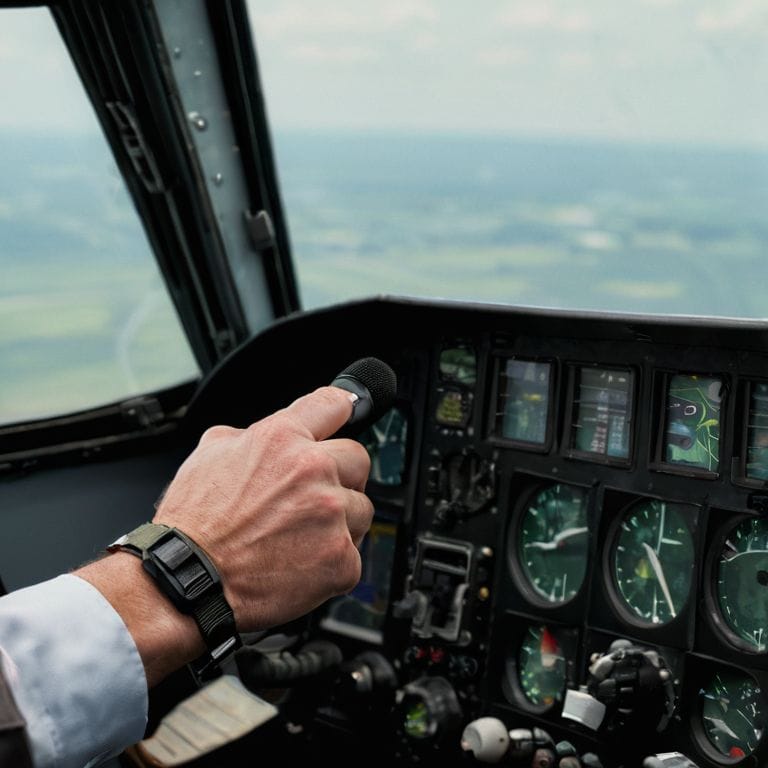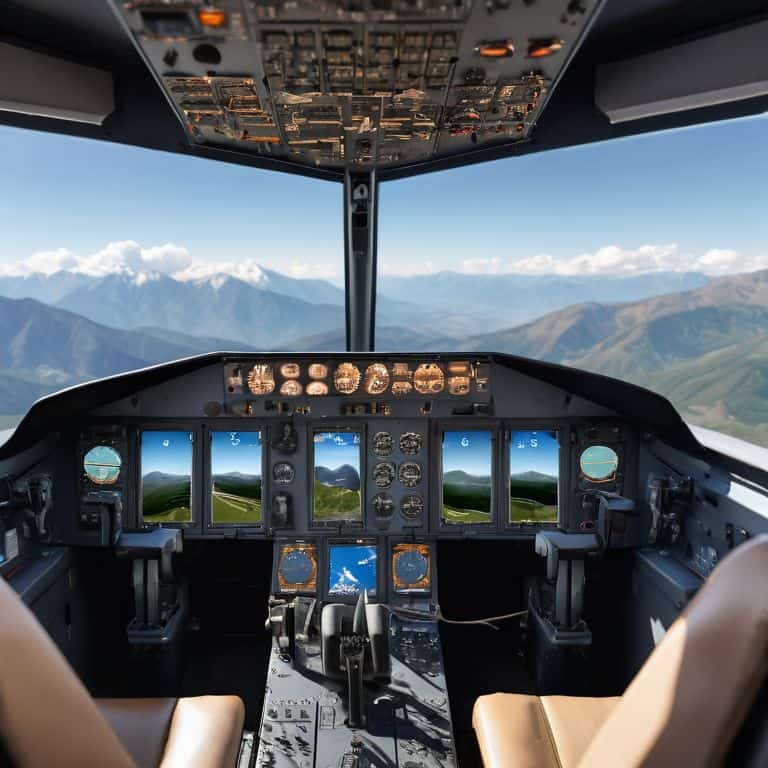
I still remember my first flight as a bush pilot in Alaska, where I had to rely on my skills and training to navigate through treacherous terrain. It was then that I realized the importance of how to use flight simulators for real world training. Many of my colleagues believed that flight simulators were only for beginners or as a supplement to real-world training, but I knew that with the right approach, they could be a powerful tool for any pilot looking to improve their skills. As a certified flight instructor, I’ve seen firsthand how flight simulators can help pilots develop muscle memory, practice emergency procedures, and build confidence in a safe and controlled environment.
In this article, I’ll share my personal approach to using flight simulators for real-world training, including tips on how to set up a simulator, create realistic scenarios, and practice critical skills like navigation and communication. You’ll learn how to use flight simulators to improve your situational awareness, enhance your decision-making, and reduce your risk of errors in the cockpit. By the end of this guide, you’ll have a clear understanding of how to integrate flight simulators into your training regimen and take your flying skills to the next level. Whether you’re a student pilot or an experienced aviator, this article will provide you with practical advice on how to get the most out of flight simulators and become a safer, more competent pilot.
Table of Contents
Guide Overview: What You'll Need
Total Time: 5 hours 30 minutes
Estimated Cost: $100 – $500
Difficulty Level: Intermediate
Tools Required
- Computer (with internet connection)
- Flight Simulator Software (e.g., Microsoft Flight Simulator or X-Plane)
- Joystick or Flight Stick (optional but recommended)
- Pedals (optional but recommended for realistic rudder control)
Supplies & Materials
- Headset (for immersive experience)
- Flight Simulator Tutorial or Guide (online or offline resource)
- Aircraft Manual (for specific aircraft type being simulated)
Step-by-Step Instructions
- 1. First, let’s get started with the basics of flight simulator software. To use flight simulators for real-world training, you’ll need to choose a reliable and realistic program. I recommend doing some research and reading reviews to find the one that best suits your needs and skill level. Consider factors such as graphics quality, aircraft options, and weather simulation.
- 2. Next, you’ll need to set up your flight simulator hardware. This can include a joystick, throttle, and rudder pedals. As a flight instructor, I always emphasize the importance of having a comfortable and ergonomic setup to reduce fatigue and improve focus. Take some time to adjust your hardware to fit your body and flying style.
- 3. Now that you have your software and hardware in place, it’s time to start with some basic flight training exercises. Begin with simple maneuvers such as taking off, landing, and navigating through different weather conditions. Remember to start slow and build up your skills gradually, just as you would in a real aircraft.
- 4. Once you’ve mastered the basics, it’s time to move on to more advanced scenario-based training. This can include emergency procedures such as engine failures, system malfunctions, and navigational challenges. These scenarios will help you develop your critical thinking and problem-solving skills, which are essential for real-world flying.
- 5. To take your training to the next level, consider using real-world weather data in your flight simulator. This will allow you to practice flying in a variety of conditions, from calm skies to turbulent storms. You can find real-world weather data online or use a plugin that integrates with your flight simulator software.
- 6. Another important aspect of real-world training is crew resource management. If you’re training with a virtual copilot or instructor, practice communicating effectively and working together as a team. This will help you develop your leadership and decision-making skills, which are crucial in real-world aviation.
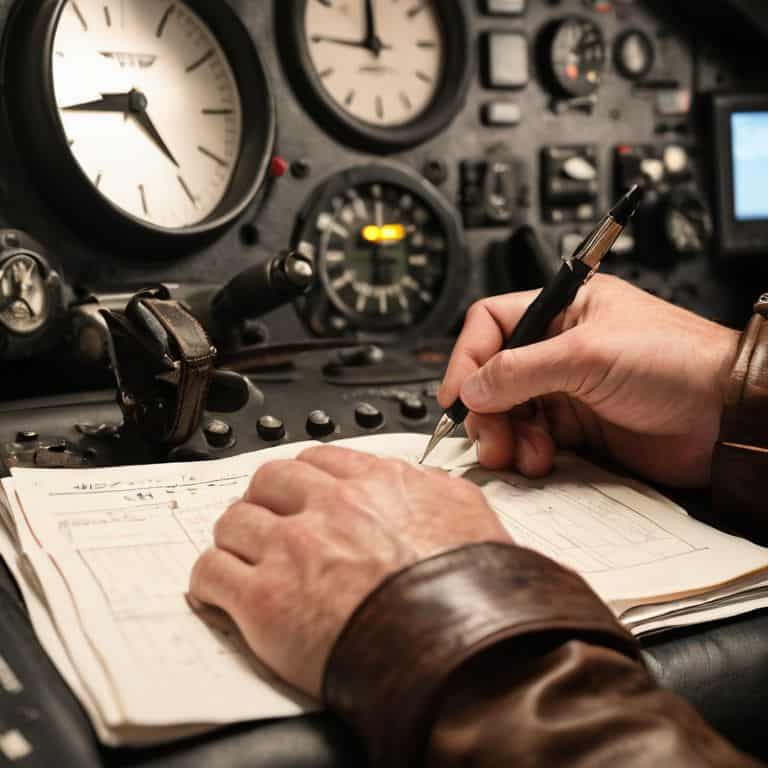
- 7. Finally, don’t forget to log your training hours and track your progress. Keeping a record of your flights and exercises will help you identify areas for improvement and stay motivated to continue learning. As a flight instructor, I always encourage my students to reflect on their training and set goals for themselves to stay focused and driven.
Mastering Skies With Simulators
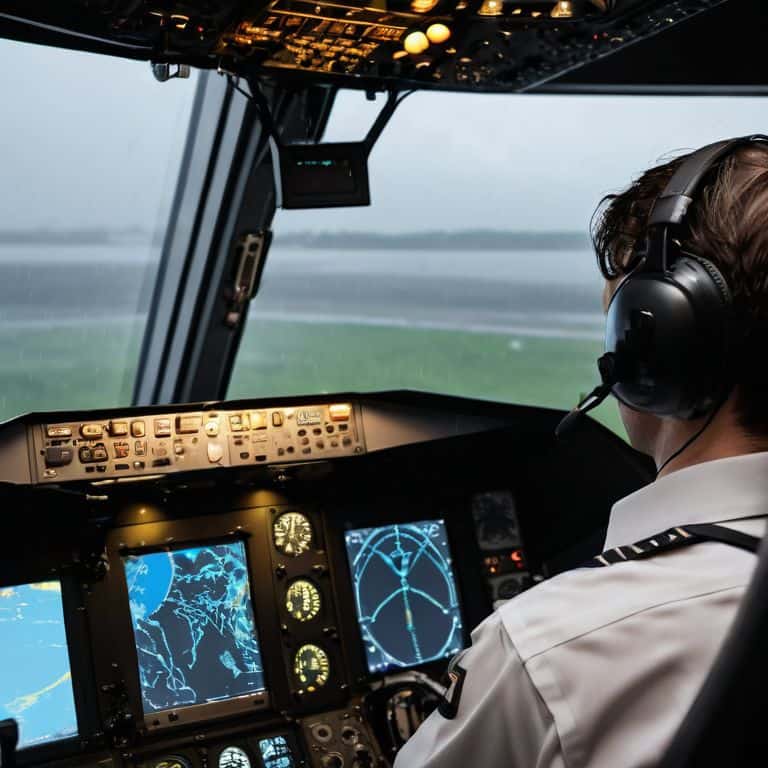
As I always tell my students, mastering the skies with simulators is all about practice and patience. One of the most effective ways to utilize flight simulator software for pilots is to create realistic flight simulation scenarios that mimic real-world conditions. This can include simulated emergency landings, instrument failures, or even navigating through challenging weather conditions.
By using flight simulators to practice emergency procedures, such as flight simulator training for emergency landings, pilots can develop the skills and confidence needed to respond to unexpected situations. I also recommend exploring different flight simulator hardware requirements to ensure that your simulator is set up to provide the most realistic experience possible.
To take your skills to the next level, consider using flight simulators to practice instrument rating scenarios. This can help you develop a stronger understanding of instrument navigation and prepare you for real-world instrument flying. Whether you’re a commercial pilot or just starting out, best flight simulators for commercial pilots can provide a valuable tool for improving your skills and staying safe in the skies.
Instrument Rating With Simulator Software
To take your skills to the next level, consider using simulator software to pursue an instrument rating. This advanced training teaches you to fly solely by instrument readings, a crucial skill for navigating through clouds or low-visibility conditions. With a flight simulator, you can practice instrument approaches, holding patterns, and emergency procedures in a safe and controlled environment.
I recommend starting with basic instrument lessons, such as recognizing and responding to instrument malfunctions. As you progress, you can simulate more complex scenarios, like flying through dense fog or navigating through mountainous terrain. By mastering instrument flying with simulator software, you’ll become a more confident and competent pilot, ready to tackle any weather conditions that come your way.
Realistic Flight Scenarios for Pilots
When using flight simulators for real-world training, it’s essential to create realistic flight scenarios. This helps pilots prepare for various conditions they may encounter in the air. I recommend setting up scenarios that mimic real-life flights, including takeoffs, landings, and emergency procedures. By practicing these scenarios in a simulated environment, pilots can build their skills and confidence in a safe and controlled setting.
As a flight instructor, I’ve seen students benefit greatly from simulated flights that replicate real-world conditions, such as navigating through turbulence or dealing with system failures. These scenarios help pilots develop critical thinking and problem-solving skills, which are crucial for safe and successful flying. By incorporating realistic flight scenarios into your simulator training, you’ll be better equipped to handle whatever challenges come your way in the skies.
5 Key Tips to Soar with Flight Simulators
- Start with the basics: Familiarize yourself with the simulator’s controls and settings before diving into complex scenarios
- Practice realistic flight scenarios: Use the simulator to recreate real-world flights, including takeoffs, landings, and emergency procedures
- Focus on instrument rating: Utilize simulator software to hone your instrument flying skills, such as navigating through instrument meteorological conditions (IMC)
- Train with a purpose: Set specific goals for each simulator session, such as improving your navigation skills or practicing instrument approaches
- Debrief and review: After each simulator session, take the time to review your performance, identify areas for improvement, and adjust your training plan accordingly
Key Takeaways for Effective Flight Simulator Training
Use flight simulators to practice realistic flight scenarios, allowing you to hone your skills in a safe and controlled environment, just as you would in real-world training flights
Take advantage of instrument rating training with simulator software to improve your navigation and decision-making skills, even in low-visibility conditions, and to stay safe in the skies
Integrate flight simulator training into your regular practice routine, using it as a tool to reinforce ground school lessons and build confidence in your abilities, whether you’re a student pilot or an experienced aviator
Flying Wisdom
The key to unlocking real-world training with flight simulators is not just about mimicking the motions, but about mastering the mindset – it’s about understanding that every virtual flight is an opportunity to sharpen your skills, test your decisions, and return to the skies a safer, more seasoned pilot.
Daniel Sato
Taking to the Skies with Confidence
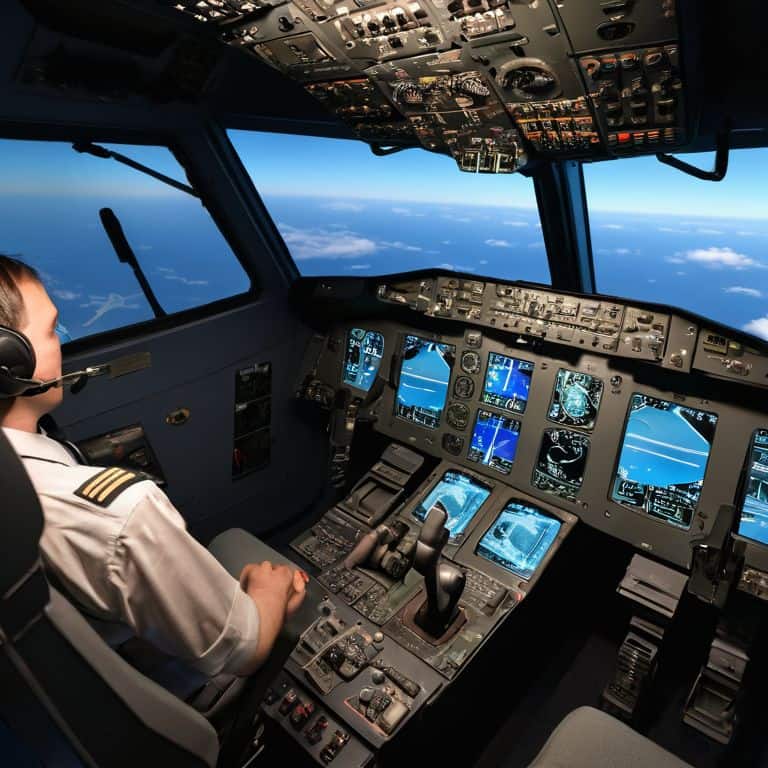
As we conclude our journey through the world of flight simulators for real-world training, it’s essential to summarize the key takeaways. We’ve covered the step-by-step process of getting started with flight simulators, from setting up the software to mastering realistic flight scenarios. We’ve also delved into the importance of instrument rating with simulator software, which can significantly enhance a pilot’s skills and readiness for real-world flights. By following these guidelines and practicing diligently, aspiring pilots can gain a competitive edge in their training and become more confident in their abilities.
As you embark on your own flight simulation journey, remember that the sky’s not the limit – it’s just the beginning. With dedication and the right tools, you can soar to new heights and make your dreams of flying a reality. So, buckle up, stay focused, and always keep your eyes on the horizon. The world of aviation is waiting for you, and with the power of flight simulators, you’ll be well on your way to taking to the skies with confidence.
Frequently Asked Questions
What are the system requirements for running a flight simulator effectively for real-world training?
To run a flight simulator smoothly, you’ll need a computer with a multi-core processor, at least 8 GB of RAM, and a dedicated graphics card. A fast storage drive, like an SSD, is also recommended. I’ll cover the specifics in my next ground school lesson, but for now, think of it like checking your aircraft’s minimum equipment list before flight.
How do I choose the right flight simulator software for my specific aircraft type and training needs?
When choosing flight simulator software, consider your aircraft type and training goals. Look for software that accurately models your plane’s performance and systems. I recommend checking the software’s compatibility with your aircraft and reading reviews from other pilots who have used it for similar training needs.
Can flight simulators really help with developing the muscle memory and situational awareness needed for emergency procedures in real-world flights?
Absolutely, flight simulators can help develop muscle memory and situational awareness for emergency procedures. I’ve seen my students master procedures like engine failures and system malfunctions through repeated simulation training, building their confidence and reaction time. It’s like practicing a difficult landing approach – the more you simulate, the more instinctive it becomes.